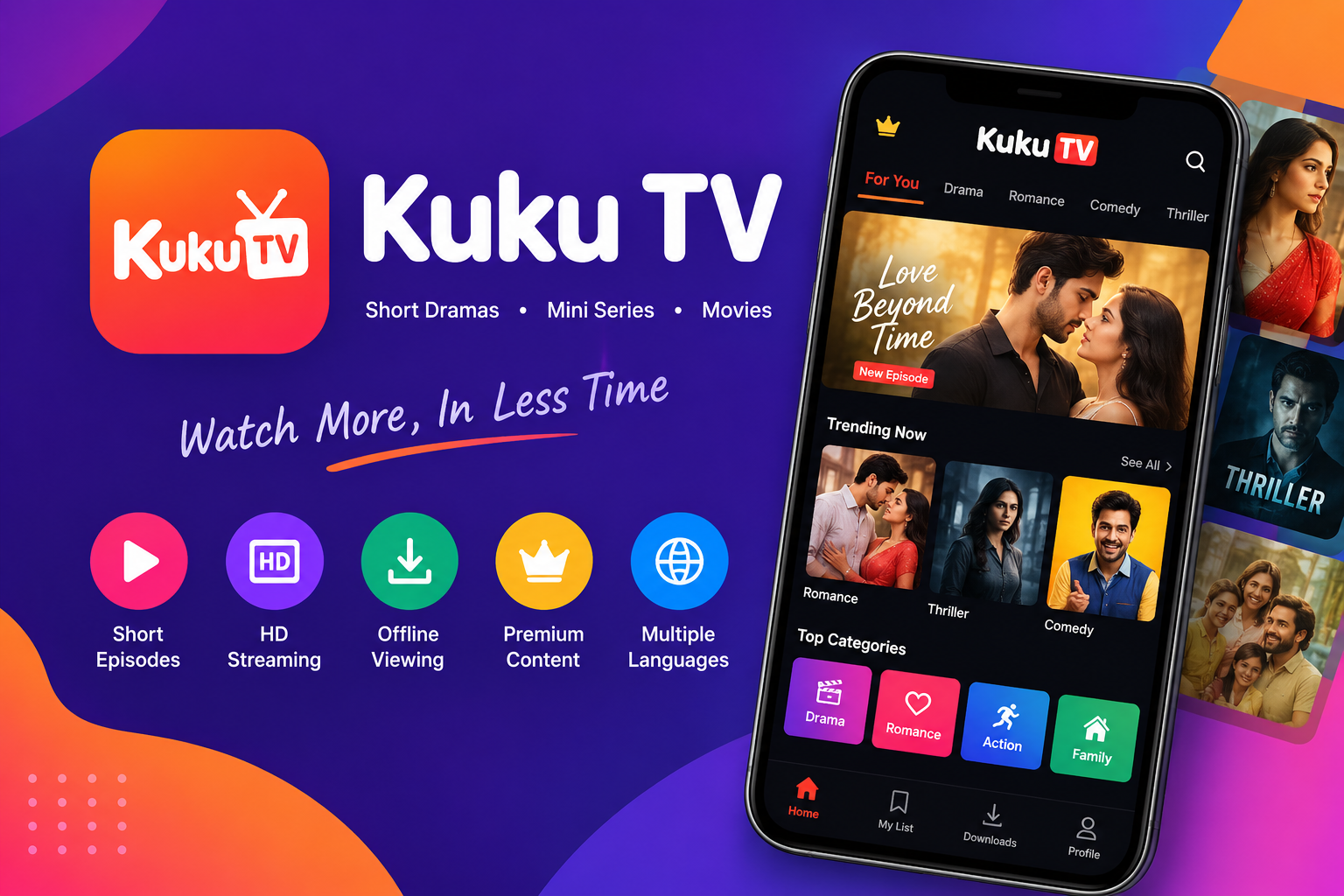
Kuku TV Mod APK For Android Download

Kuku TV App is a short-drama and entertainment application for mobile users
Download Kuku TV Mod APK
Kuku TV is an entertainment app for mobile users. It offers mini web series, short dramas, movies, and quick videos. Moreover, many episodes take only a few minutes to watch. Users can explore different genres and continue watching their favorite episodes. Additionally, some videos may support offline viewing through downloads. Premium access may also offer exclusive content and an ad-free experience.
For a safer installation, check the official Android app on Google Play. Also, verify the developer name, Kuku Technologies Limited, before installing. If you download an APK from another website, check the source carefully. Finally, follow the appropriate installation steps for your Android device. Keep in mind that unofficial APK files may carry security risks.
Steps to Download Kuku TV Mod APK
- Open Google Play Store on your Android phone.
- Type Kuku TV Mod APK in the search box.
- Check the app name before opening it.
- Check that Kuku Technologies Limited is the developer.
- Open the official this app application page.
- Tap the install button on the page.
- Wait until the application finishes installing.
- Open this app from your app screen.
- Sign in if the application asks for an account.
- Browse the available short dramas and series.
- Select an episode and start watching.
- Use supported download options for offline viewing.
Download Kuku TV Mod APK for Android
Android emulators let users run mobile apps on a computer. First, install a compatible emulator on Windows. Then, follow the setup instructions and open its supported app store. After that, search for the app and install it if available. However, app availability may vary by emulator and region. Also, your computer hardware and internet connection can affect performance. Therefore, check the emulator requirements before getting started.
Kuku TV Mod AP for PC
Android emulators offer another way to run mobile applications on a computer. First, install a compatible Android emulator on Windows. Next, complete the setup and open its supported app store. Search for the application and install it if available. However, availability may vary between emulators and regions. Performance also depends on your computer hardware, emulator settings, and internet connection.
